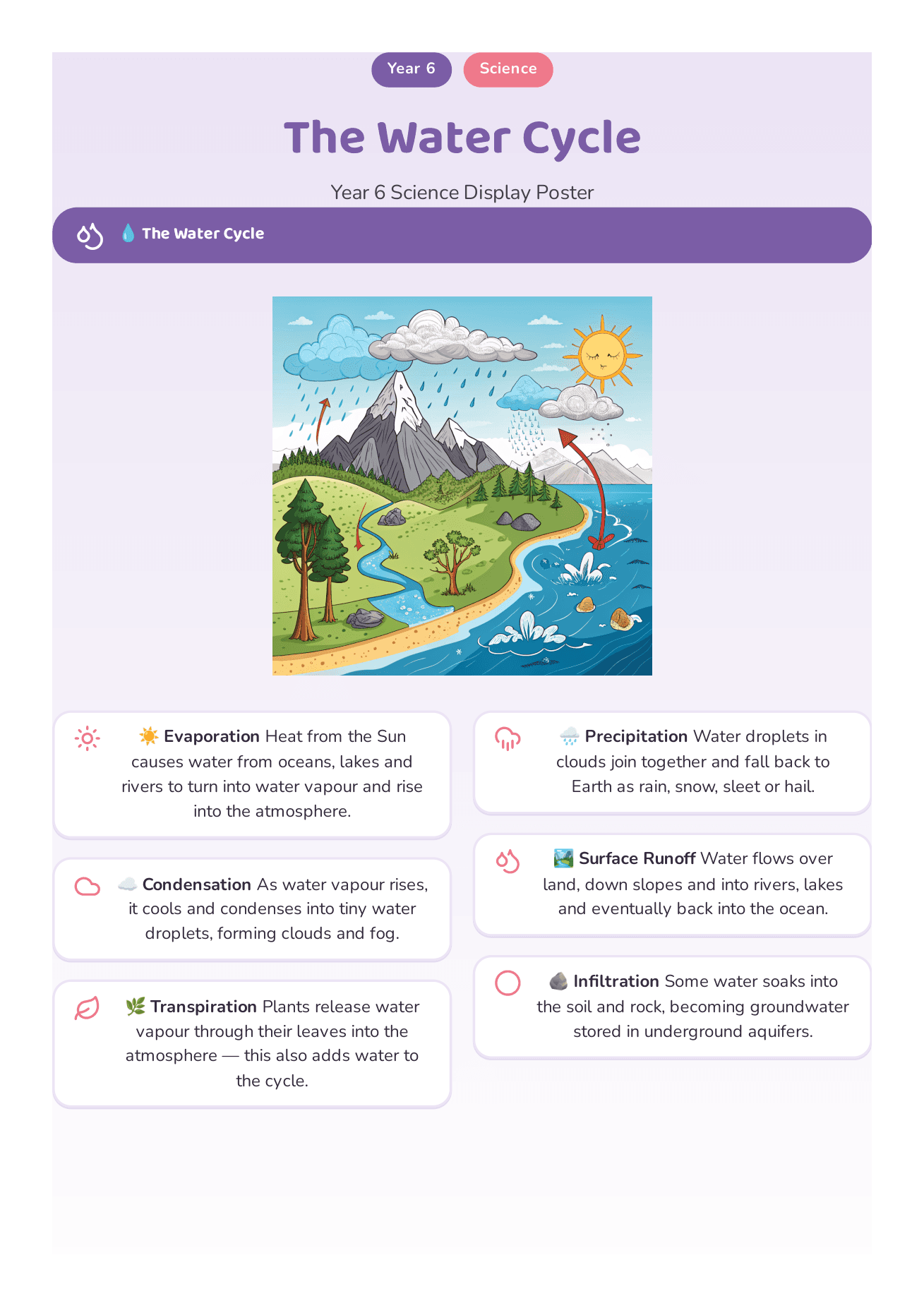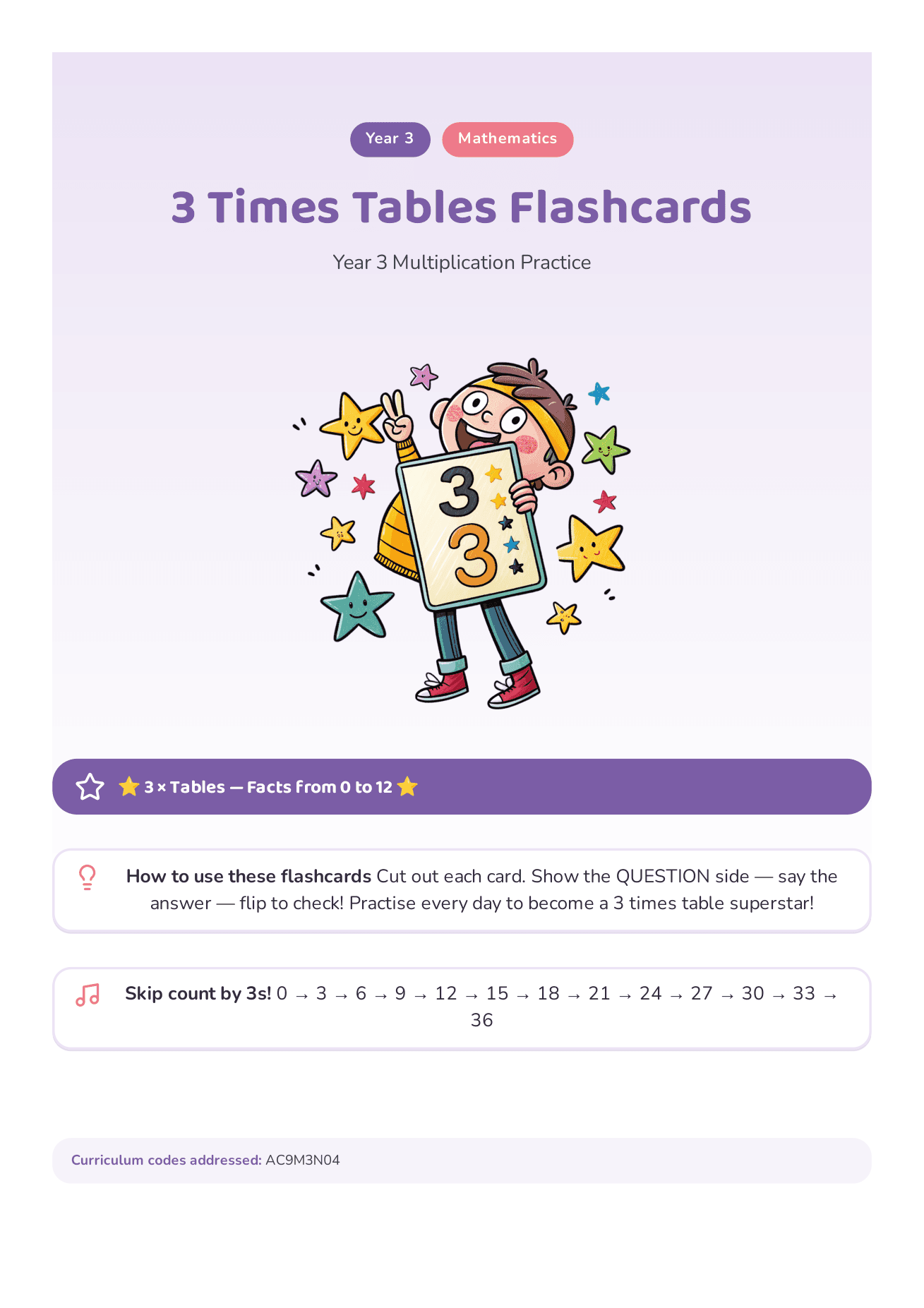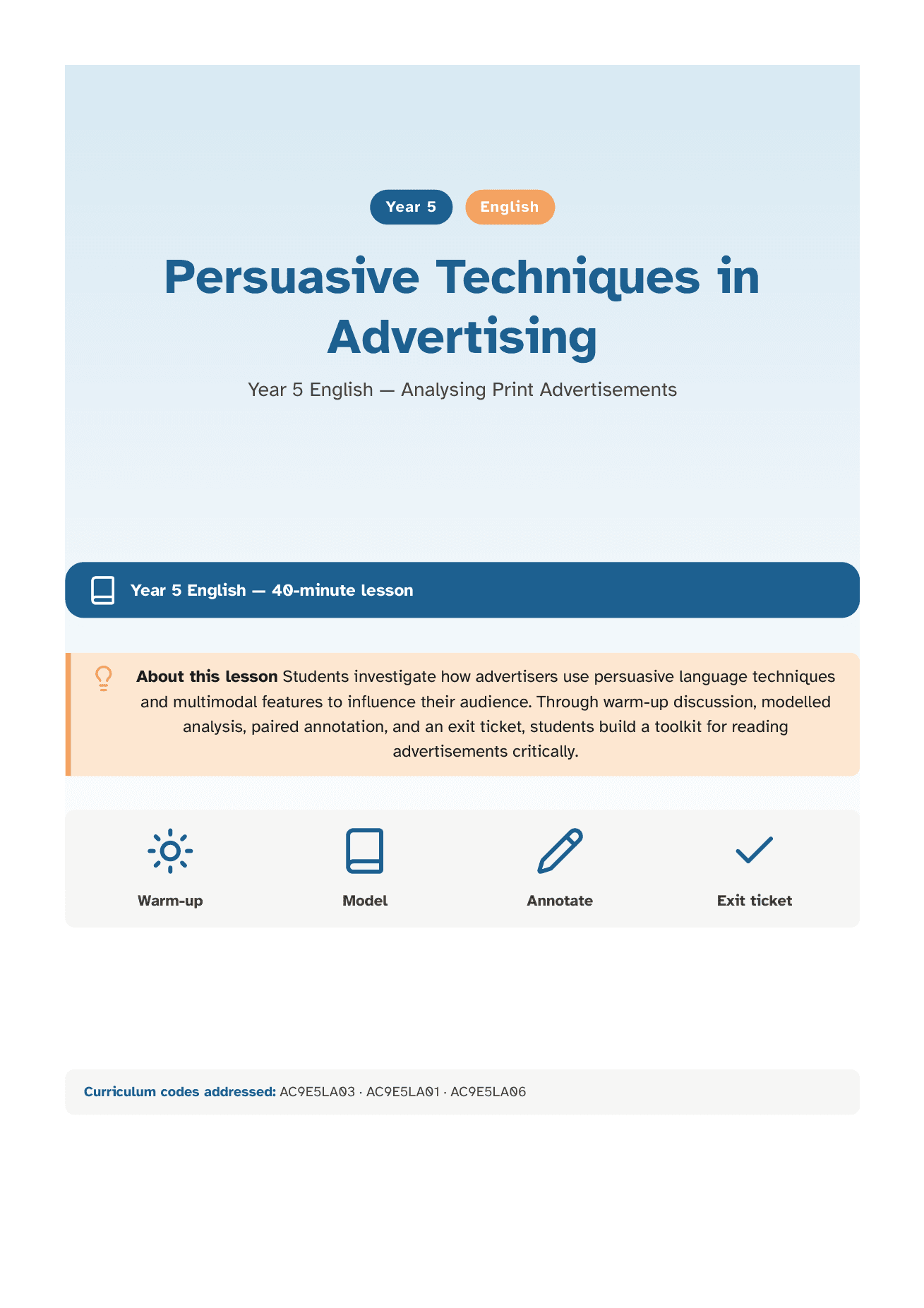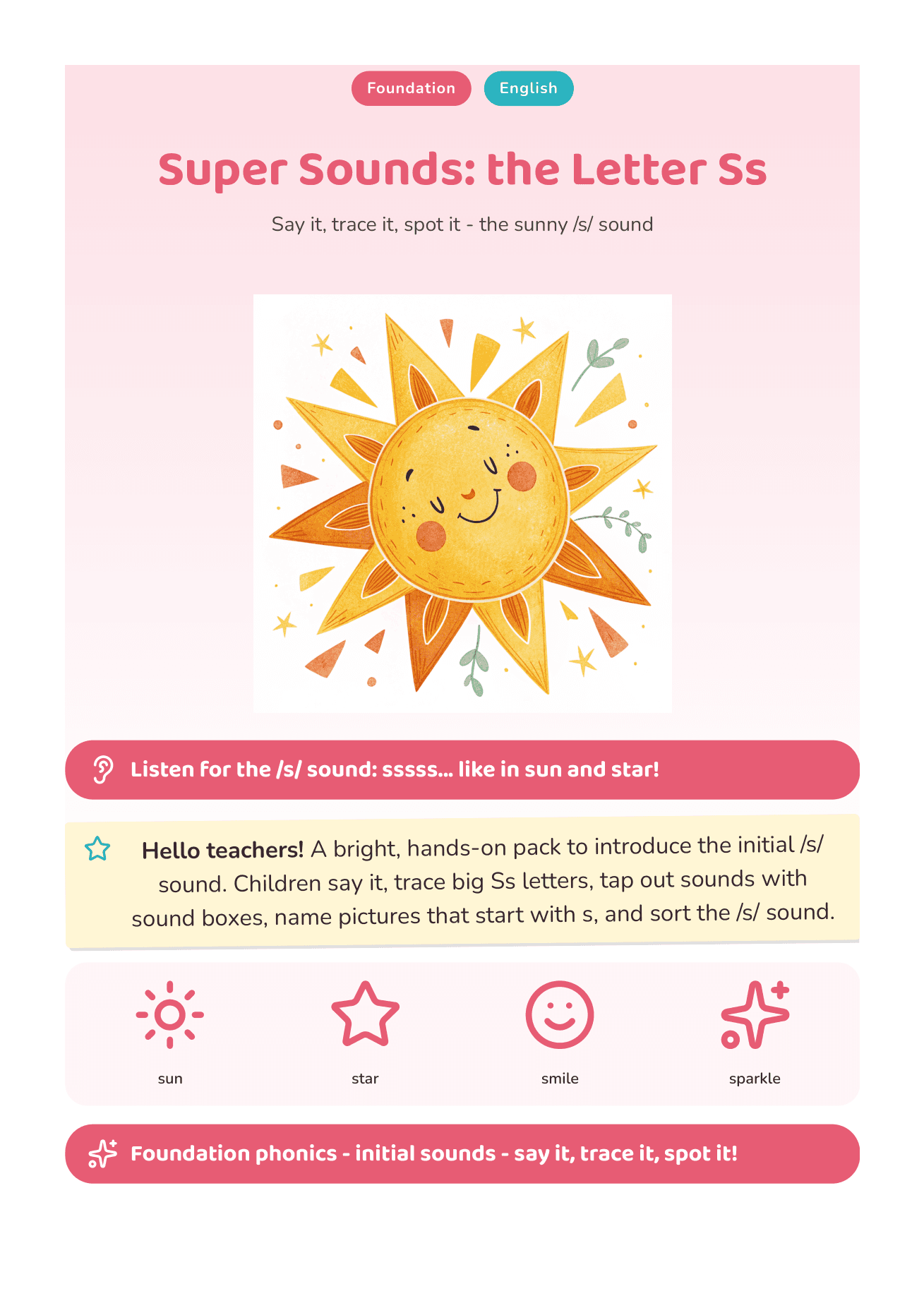
The assessment
paperwork, done by Friday.
Tell it what you need in plain English and it builds the assessment task and its A–E marking guide — aligned to the Australian Curriculum, answers checked, ready to print in about 30 seconds. Plus report comments, worksheets and reading comprehension when you need them.
No card needed. Cancel any time before day 7 and you won't be charged.

Built for the Australian Curriculum
Three steps. About 30 seconds. Then you're done.
No wizards, no chatbots to argue with, no hunting for the right worksheet on a Sunday at 9pm.
Tell it what you need
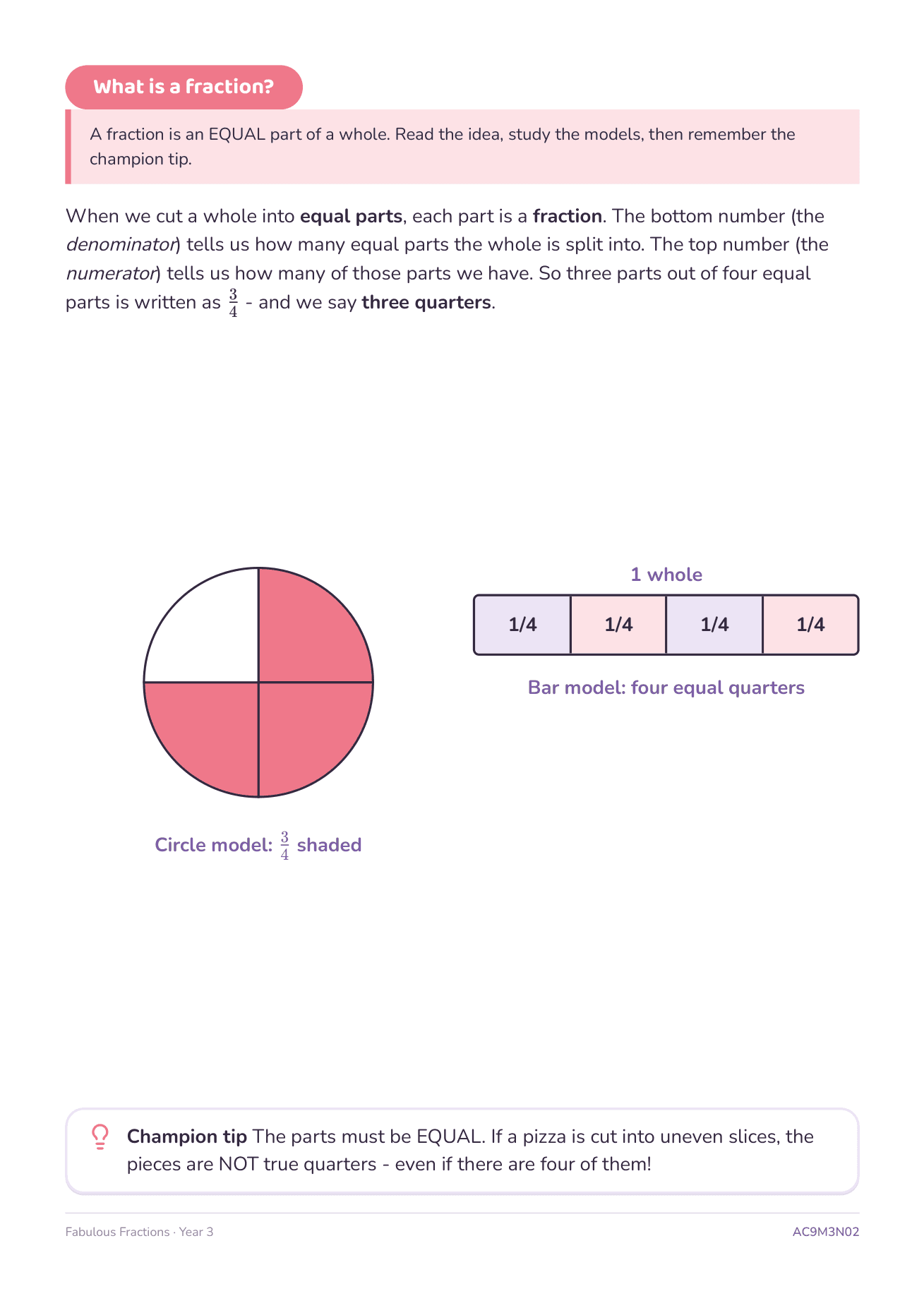
Type it like you'd say it — “Year 3 fractions assessment, class is split, need a marking guide”. It works out the year level, curriculum descriptors and settings for you. Tweak anything you like.
It drafts the task and the marking guide
About 30 seconds. The assessment and its A–E marking guide come out together, aligned to the same standard, with the answers checked. Refine in plain English — “make the A descriptor tougher”.
Print it
Clean A4. Task pages, then the marking guide on its own page. Photocopier-friendly. Saved to your library so you can find it again next term.
What you can make.
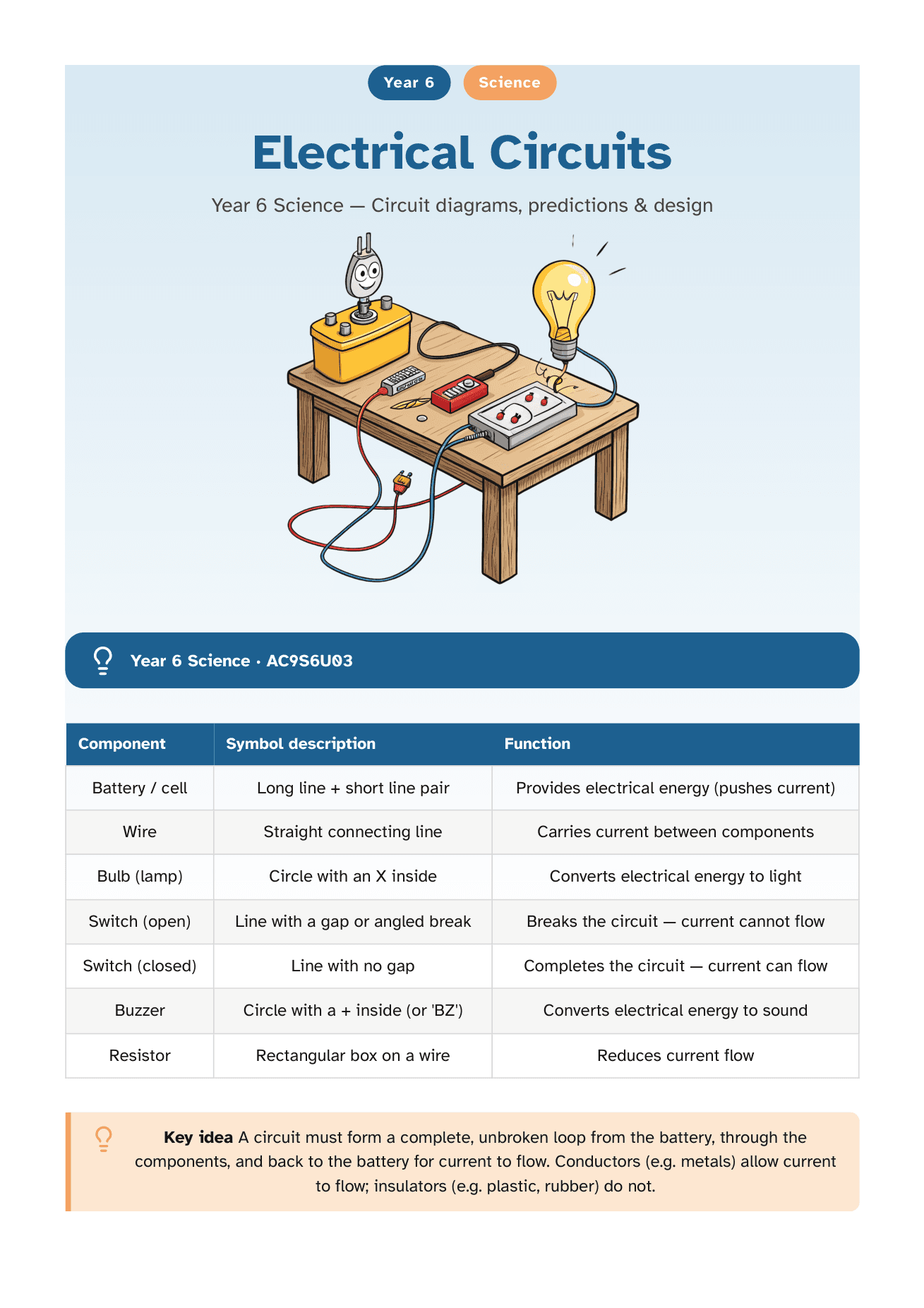
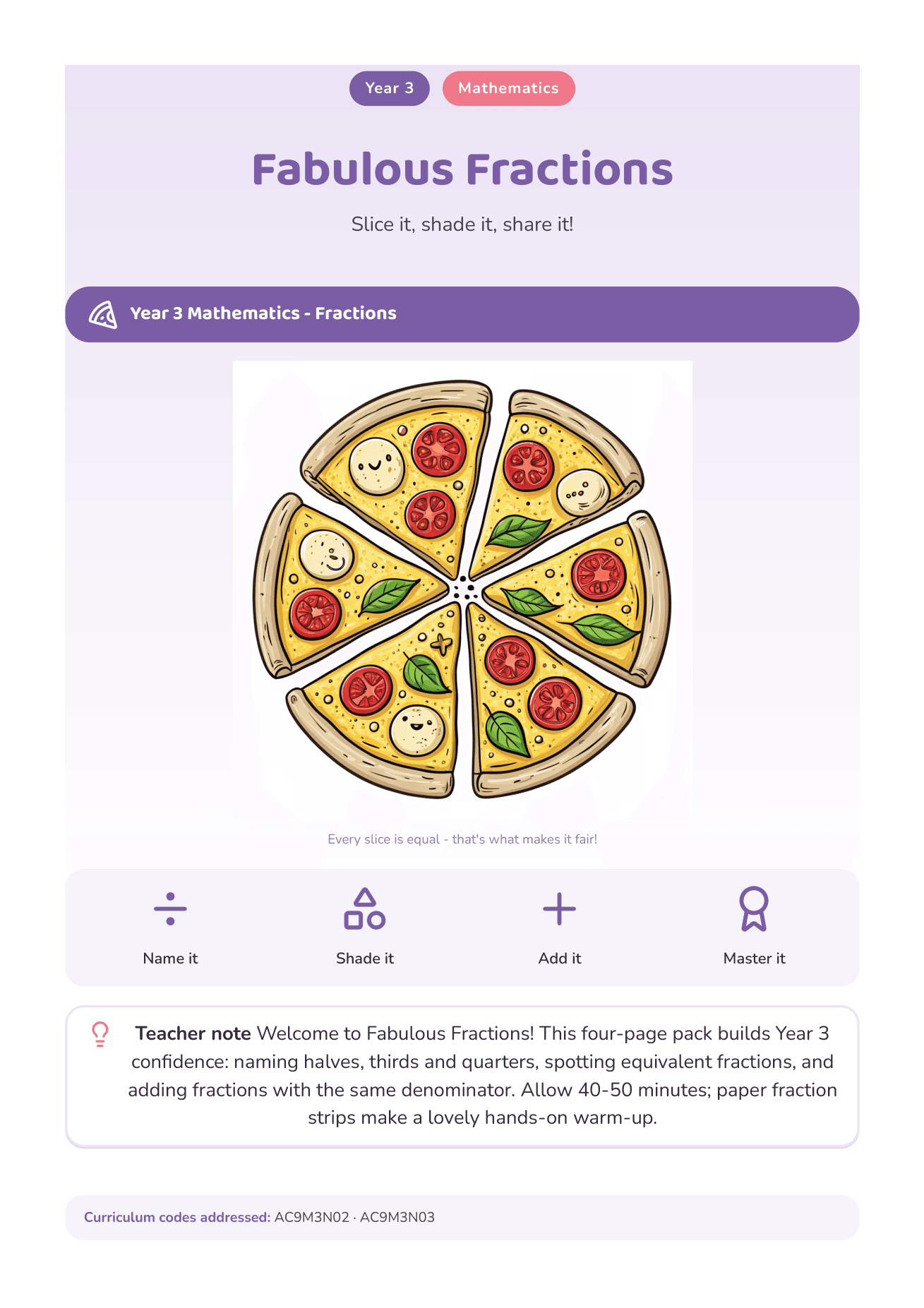
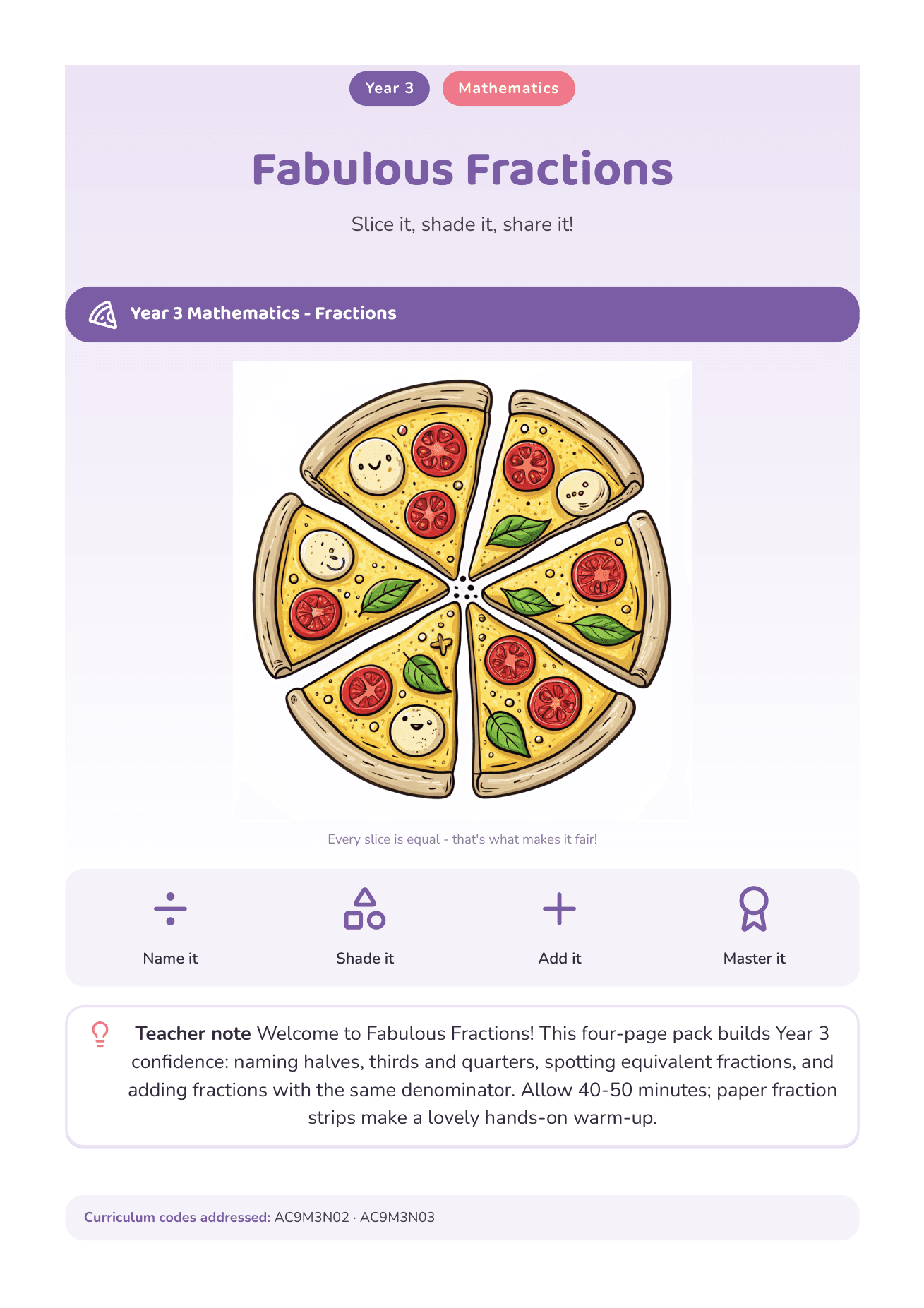
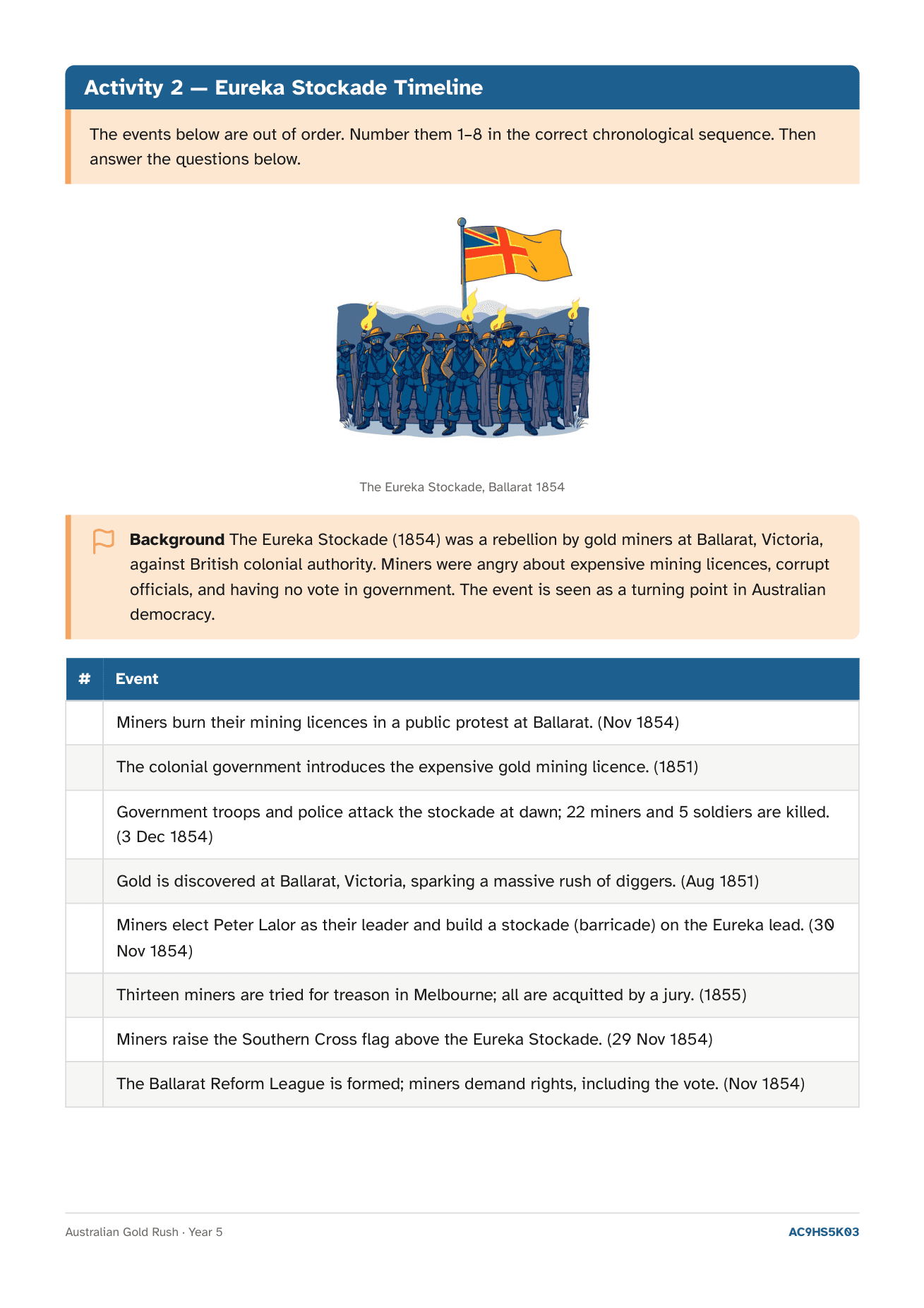
All A4, all print-ready, all built to look like something a human teacher actually made.
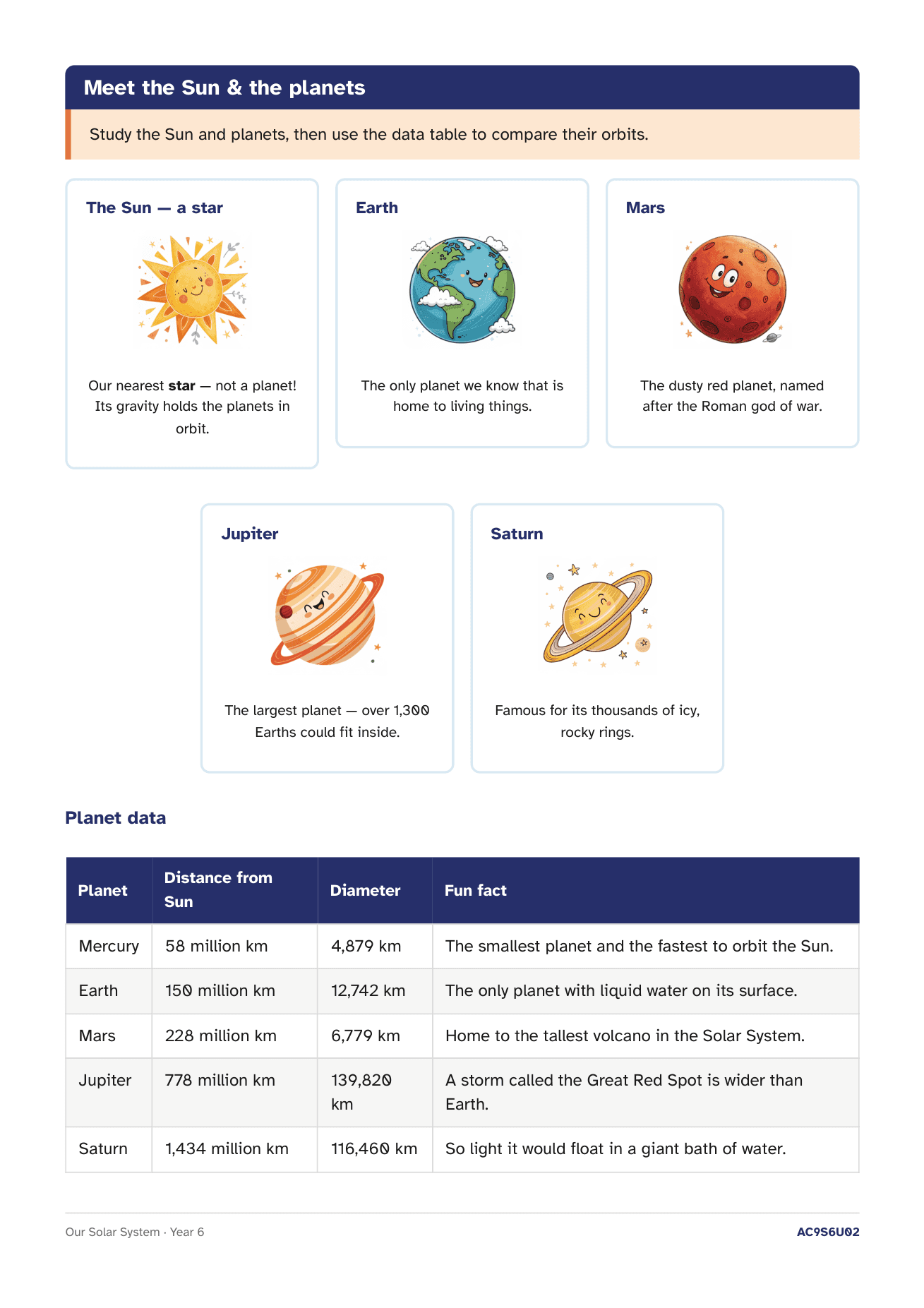
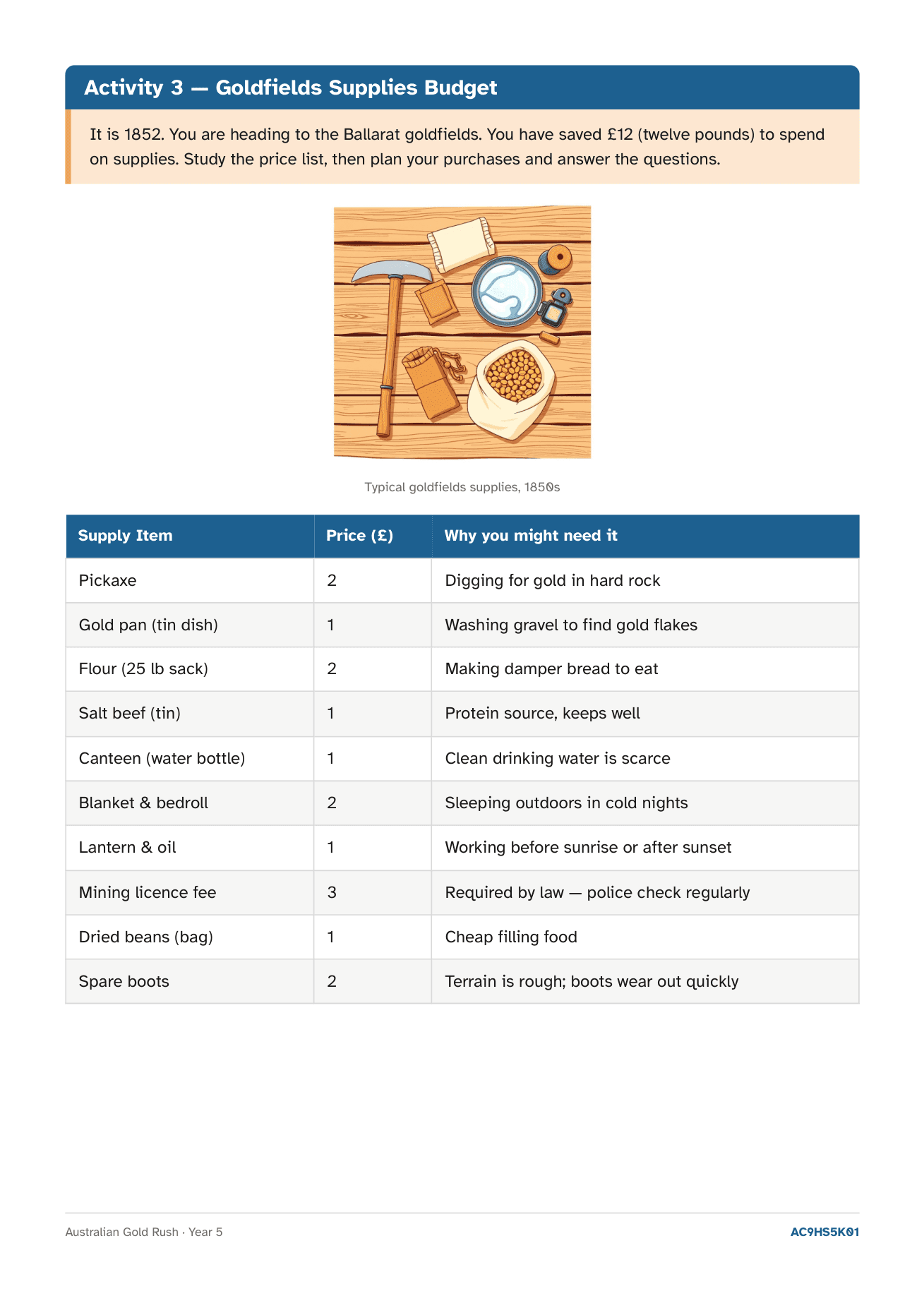
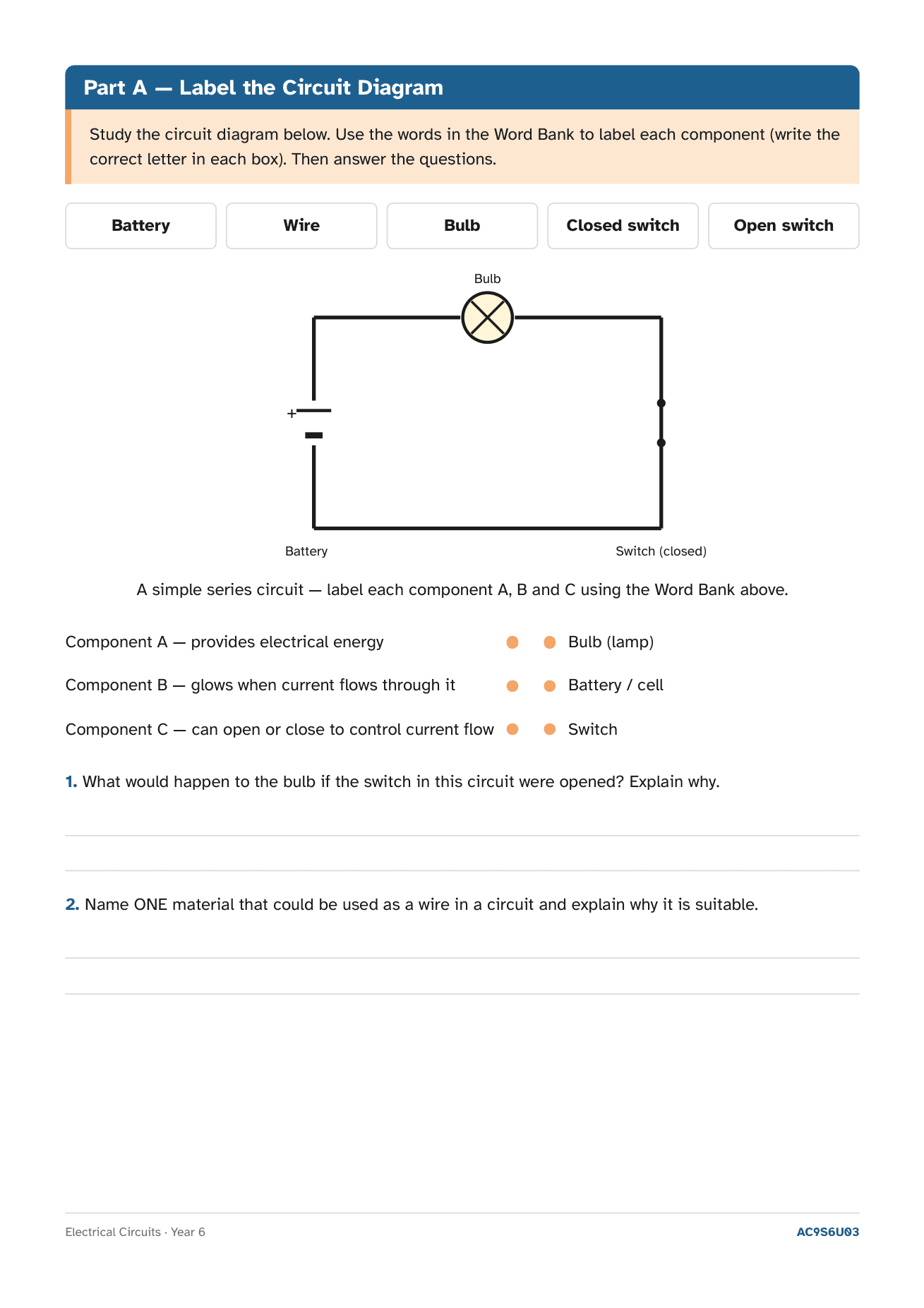
The student task sheet and its A–E marking guide, generated together and aligned to the same standard — QCAA Guide-to-Making-Judgements style. Marks built in, answers checked, ready to moderate.
Pick the grade, add a line about the child, and get a draft in your voice — specific, parent-friendly, with a clear next step. Uses [Name] and they/their so you can adapt in seconds.
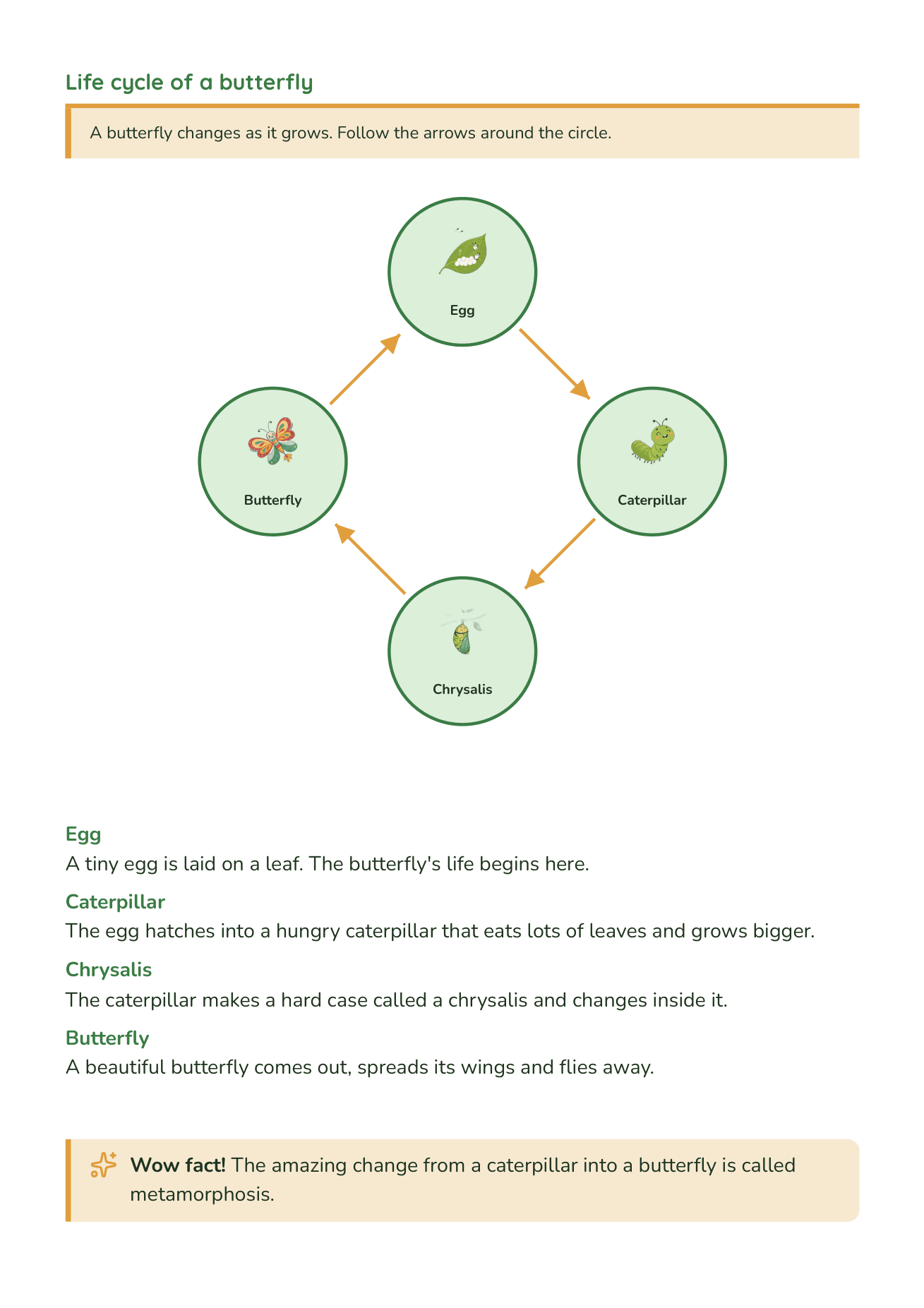
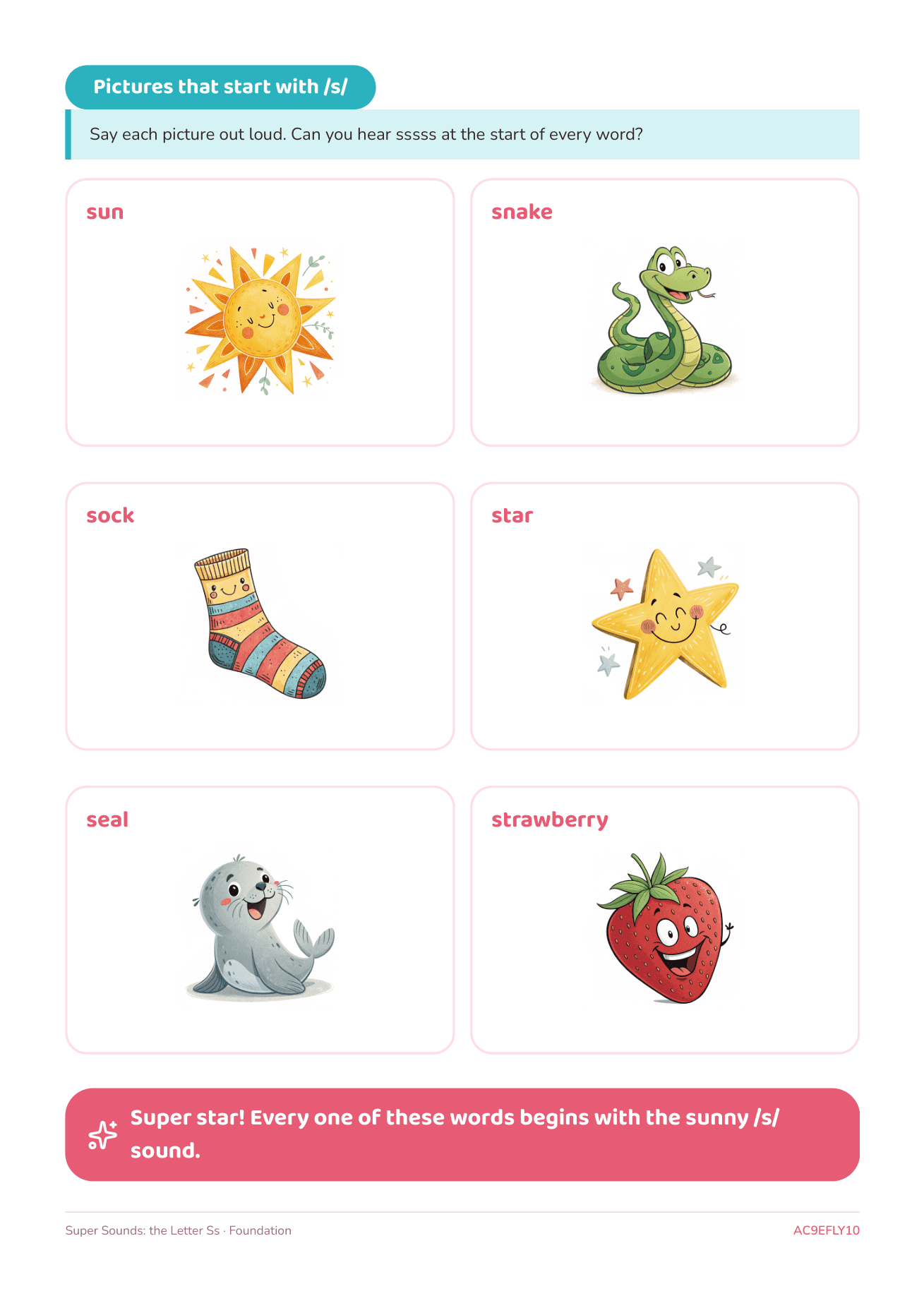
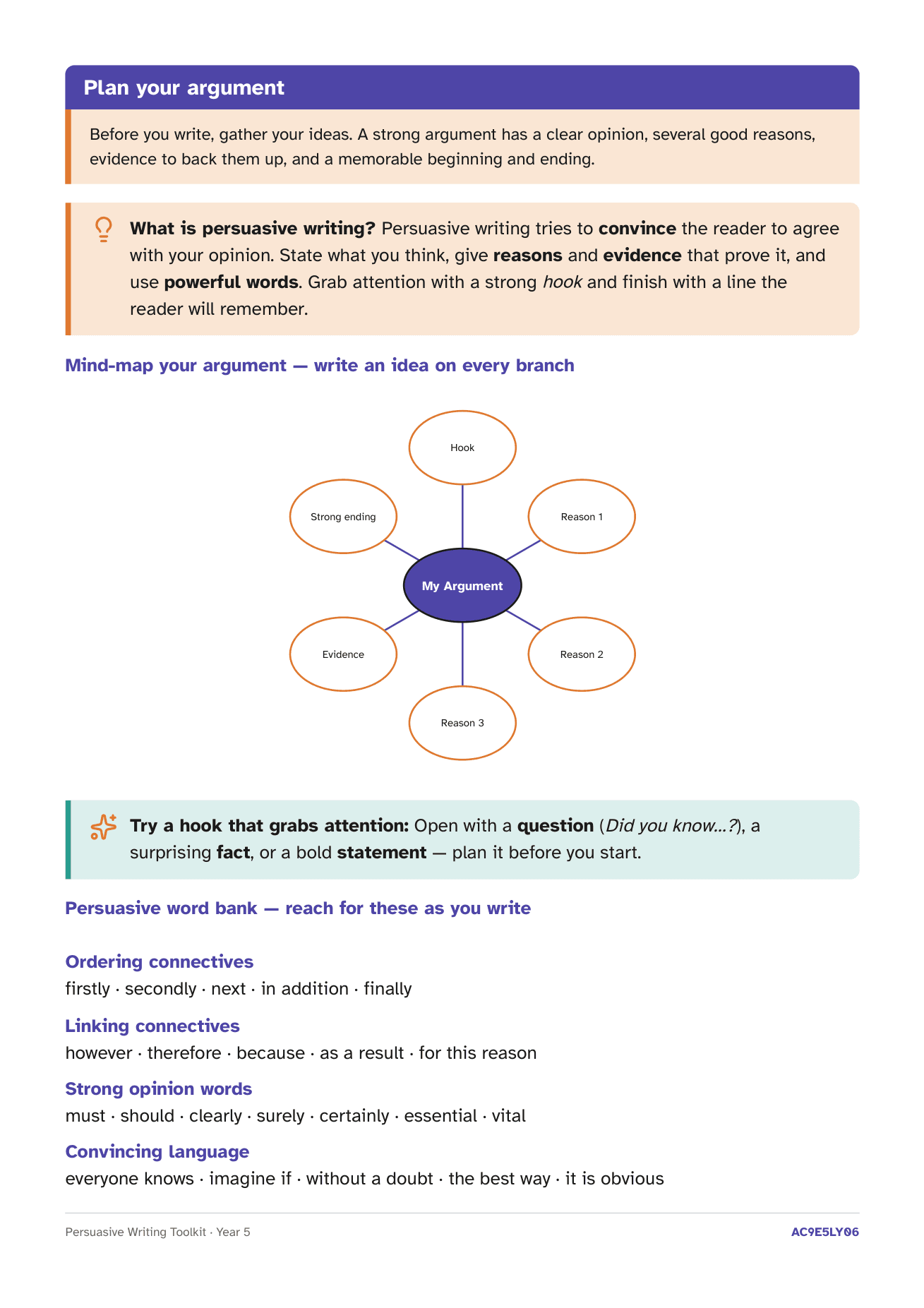
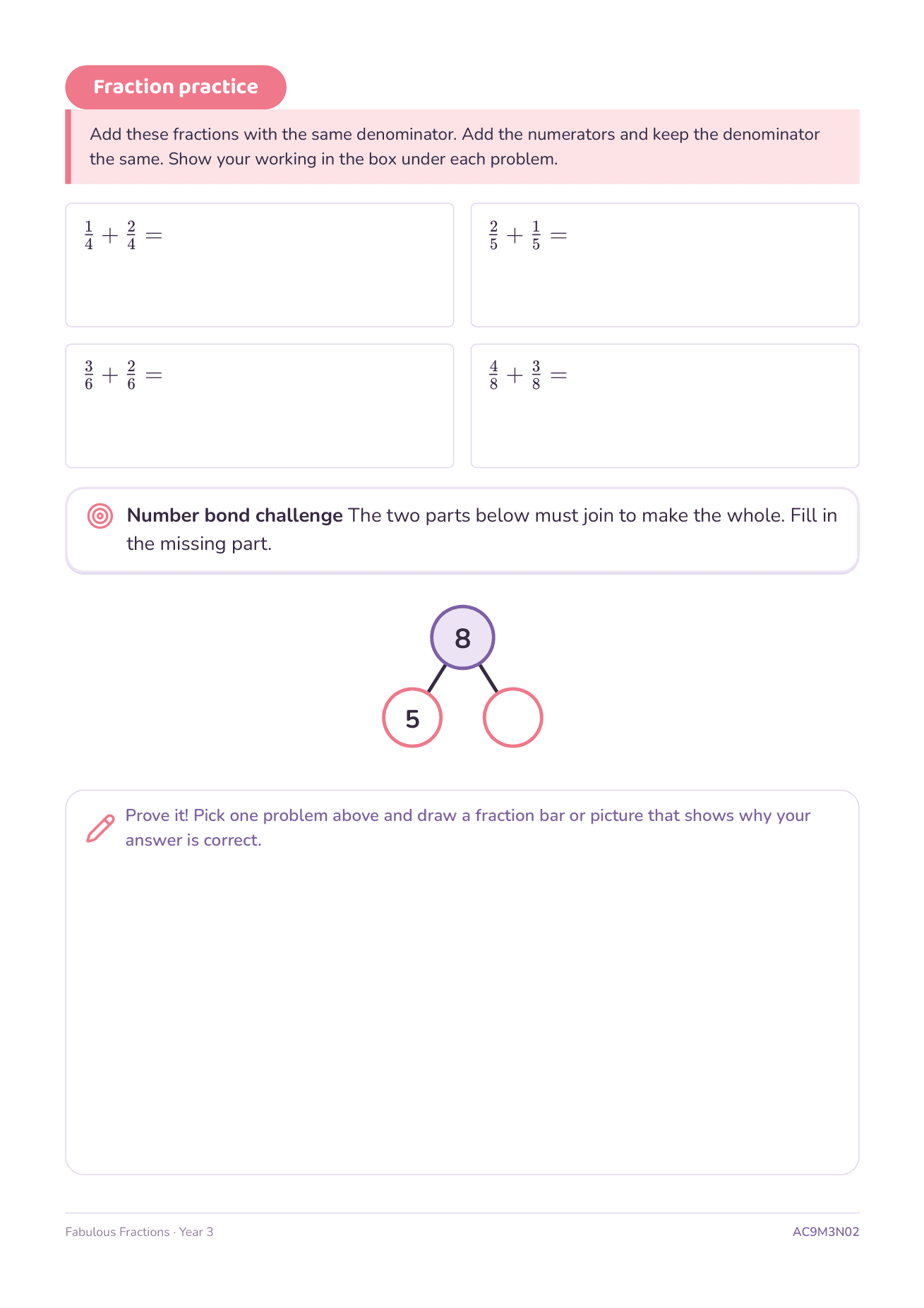
It still does the everyday stuff: practice worksheets with inline visuals and answer keys, reading comprehension at the right band, and scaffolded writing packs. All A4, all print-ready.
One plan. No catches.
A single subscription. Cancel any time. No “teams” tier, no per-seat anything.
Teacher Pro
No card needed for the trial
Things teachers actually ask us.
What's the marking guide, exactly?
When you generate an assessment, it also drafts an A–E marking guide in the style of a QCAA Guide to Making Judgements — one criterion per content descriptor, with level descriptors that are genuinely distinguishable. It prints on its own page after the task, and a second pass checks the levels actually differ before it saves.
Do I have to pick curriculum codes?
No. Just describe what you want — “Year 3 fractions assessment, my class is split” — and it works out the year level, the ACARA descriptors and the settings for you. You can open the details and adjust anything, but you don't have to. Every artifact still stores the exact descriptors it used, so alignment is auditable.
How good are the report comments?
You set the grade and add a short note about the child; it drafts a specific, parent-friendly comment that opens with a strength and ends with a next step. It uses [Name] and they/their placeholders so you can personalise in seconds — and it won't invent facts about a student.
Is it really aligned to the Australian Curriculum?
Yes — content is written to ACARA v9.0 content descriptors, and the assessment criteria follow the achievement-standard language QLD teachers use for A–E judgments. Maths answers are re-checked by a second pass, and you can edit anything inline or by chatting ("make the A descriptor tougher").